
Move the Menu Items to the Next Row
Keeping your Point of Sale (POS) menu clean and easy to navigate is crucial for speeding up service and reducing mistakes.
Move the Menu Items to the Next Row
Grouping similar items and using new rows to separate categories is a fundamental step in creating this efficient flow. Knowing how to move items to the next row will create a logical and user-friendly layout.
Steps:
- Go to Menus > Add New Item
- Click "Empty"
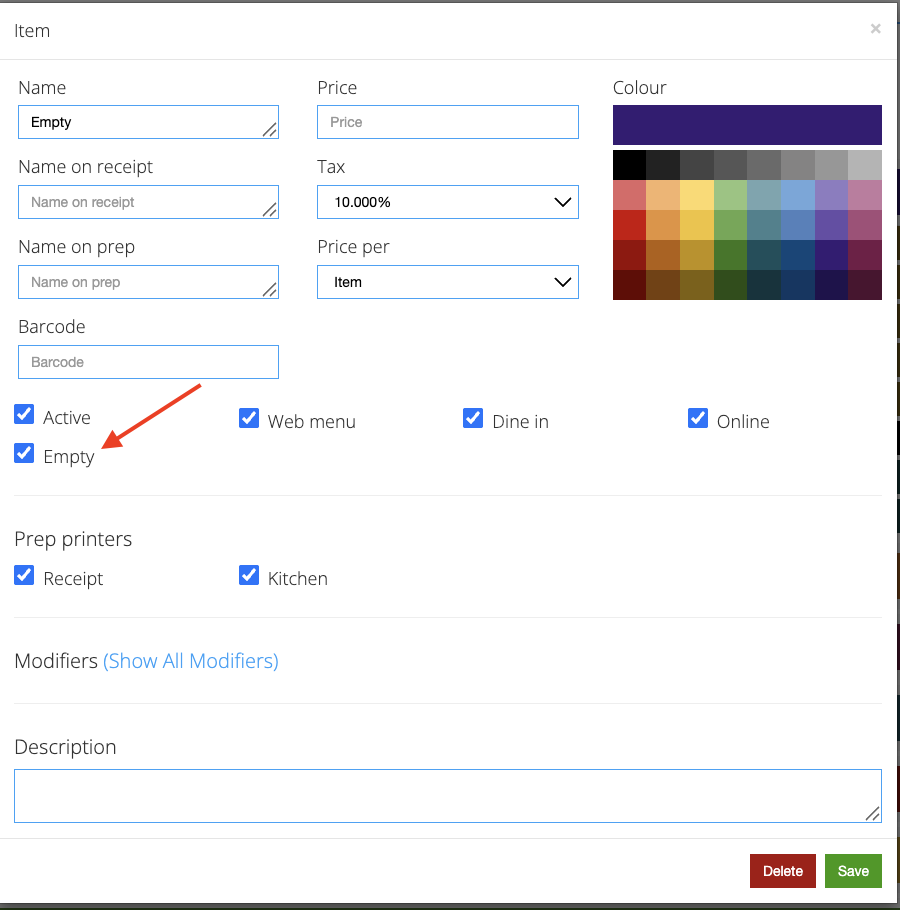
- Click "Save"
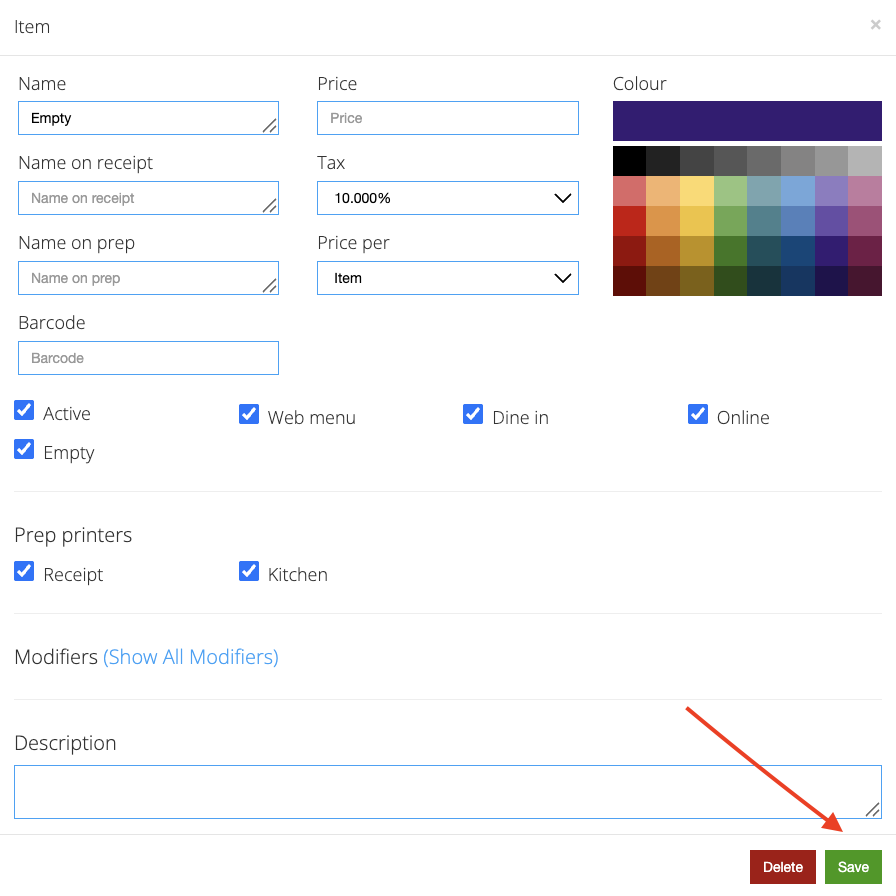
- Repeat the process until the menu items appear on the next row. \
Still need help?
Ask a question and our team will pick it up. You can also email support@pushpos.com.