
How to Add Lines/Space to Printed Dockets
Change this settings to add lines/space to printed dockets.
How to Add Lines/Space to Printed Dockets
Steps:
- Go to POS dashboard
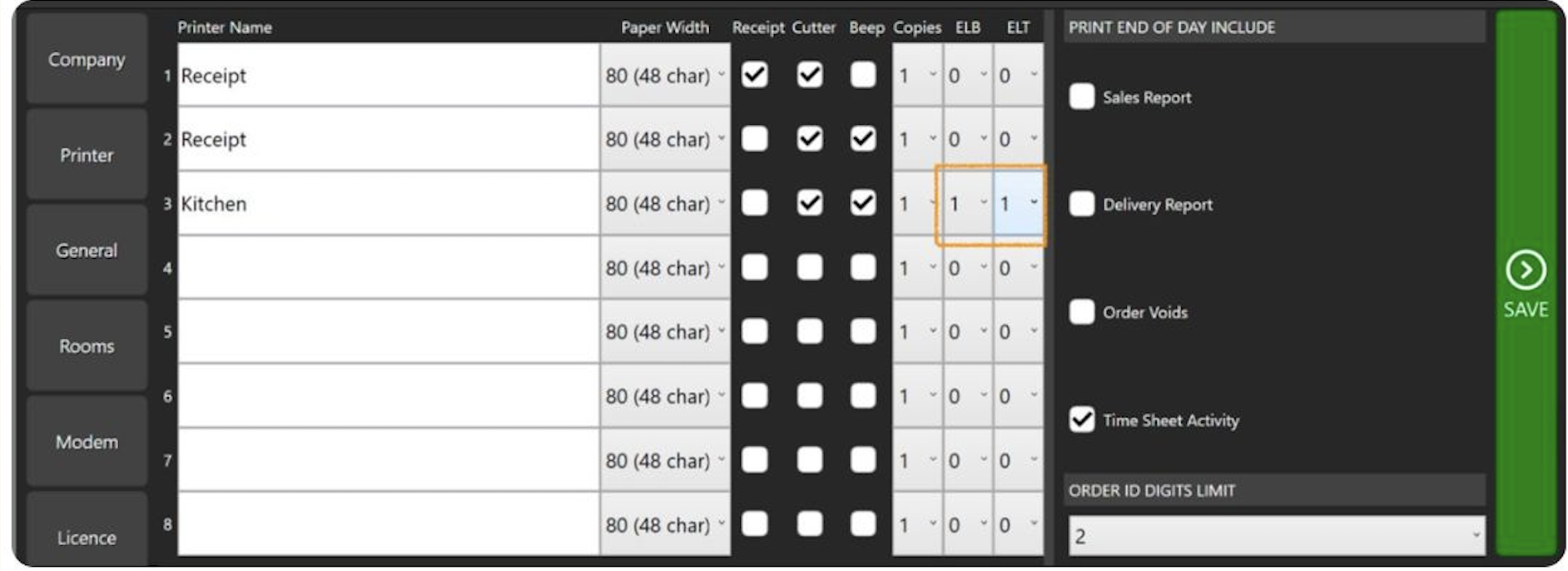
- Go to Printer Tab
- Locate the printer you need to update
- Look for 'Extra Lines Top (ELT) and 'Extra Lines Bottom (ELB)' and adjust it to your preference.
- Save
Still need help?
Ask a question and our team will pick it up. You can also email support@pushpos.com.