
How to: Upload Online Reports
How to: Upload Online Reports
Steps:
- Go to POS dashboard.
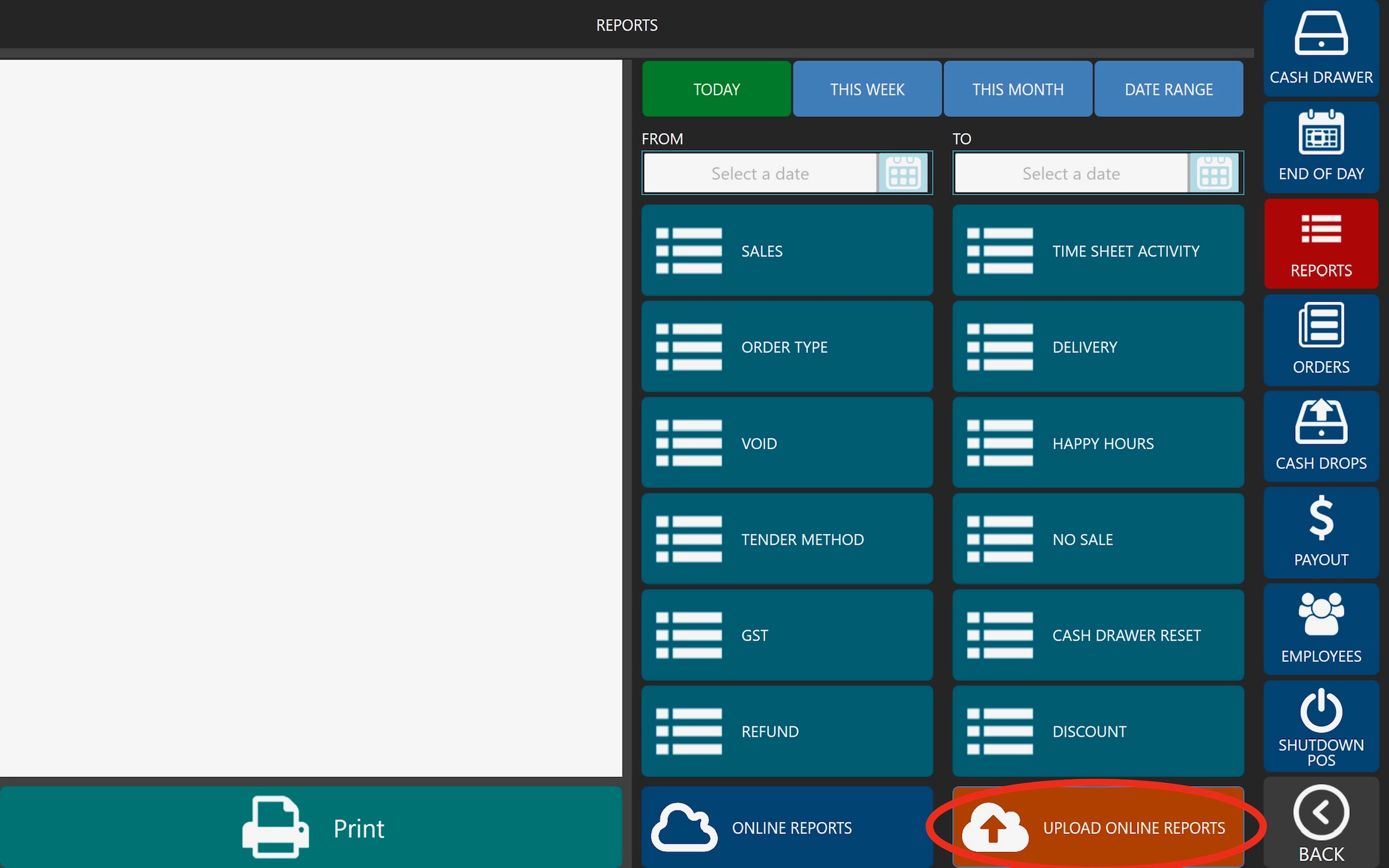
- Click Reports (Right Nav Pane).
- Click ‘UPLOAD ONLINE REPORTS’ located at the bottom right corner.
- See below image.
Still need help?
Ask a question and our team will pick it up. You can also email support@pushpos.com.