
How to Edit Time Tracking Hours
Follow this guide to update or edit time tracking hours.
How to Edit Time Tracking Hours
Steps:
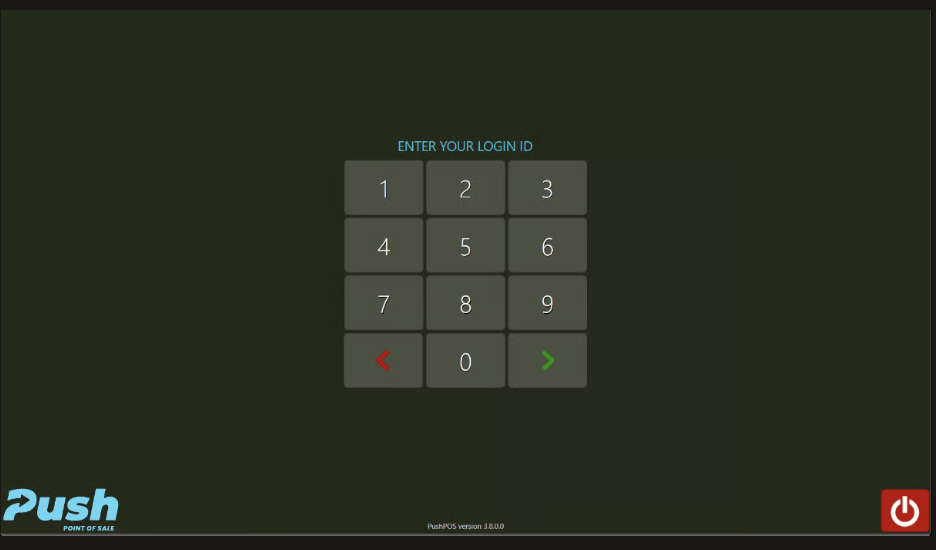
- Login to PushPos
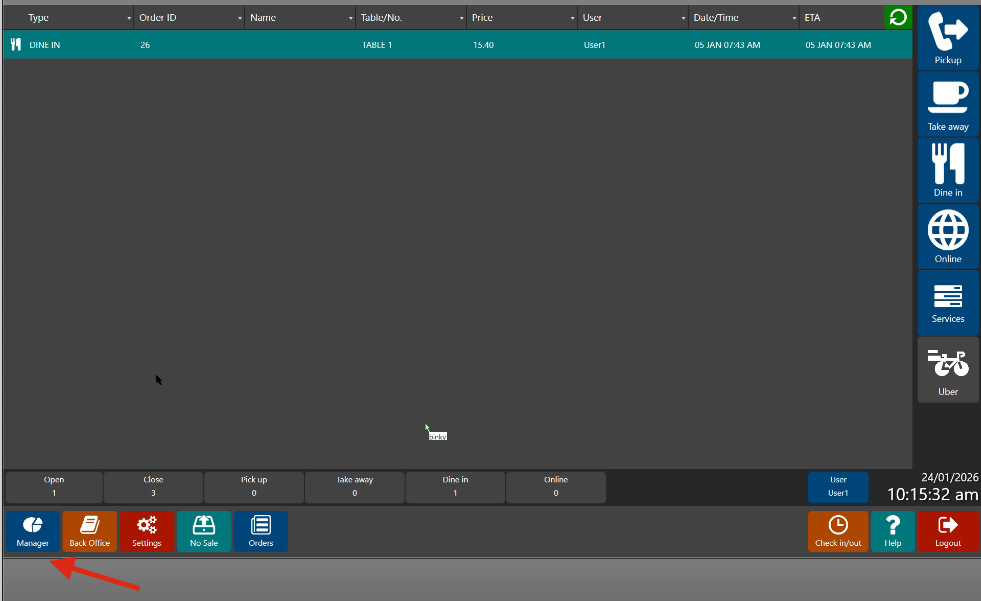
- Click Manager
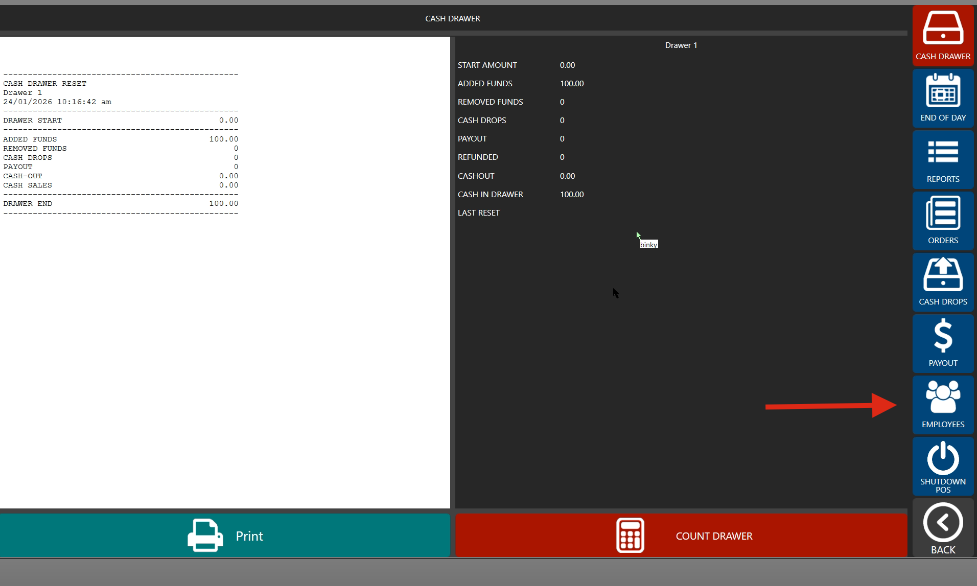
- Go to Employees
- Choose the User Name or Employee Name
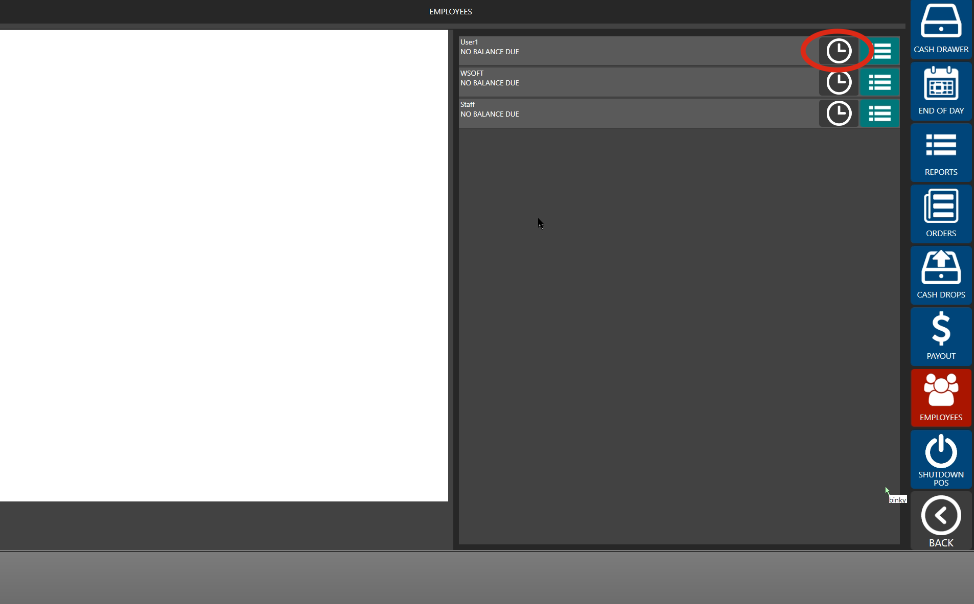
- Review the Time Tracking Hours
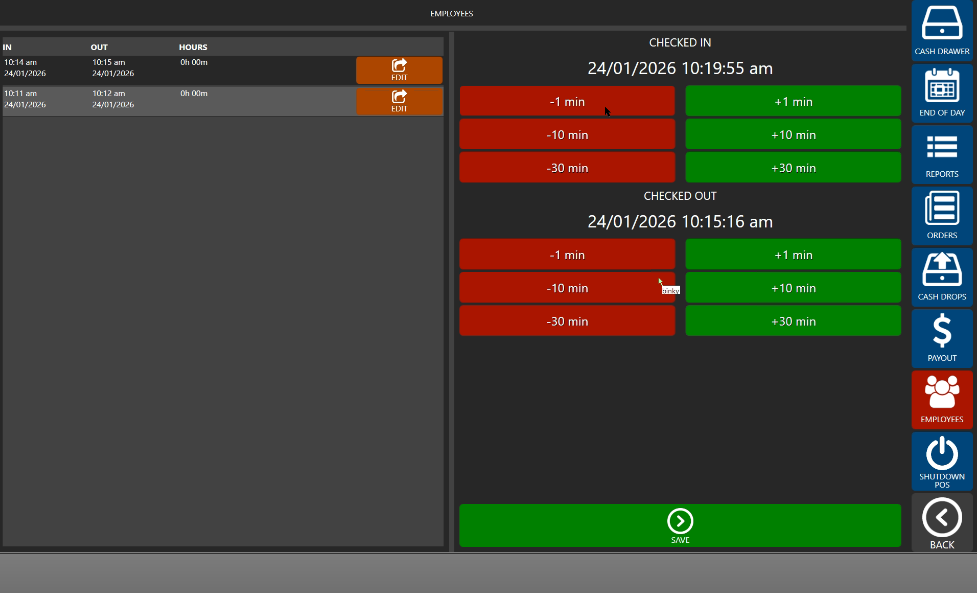
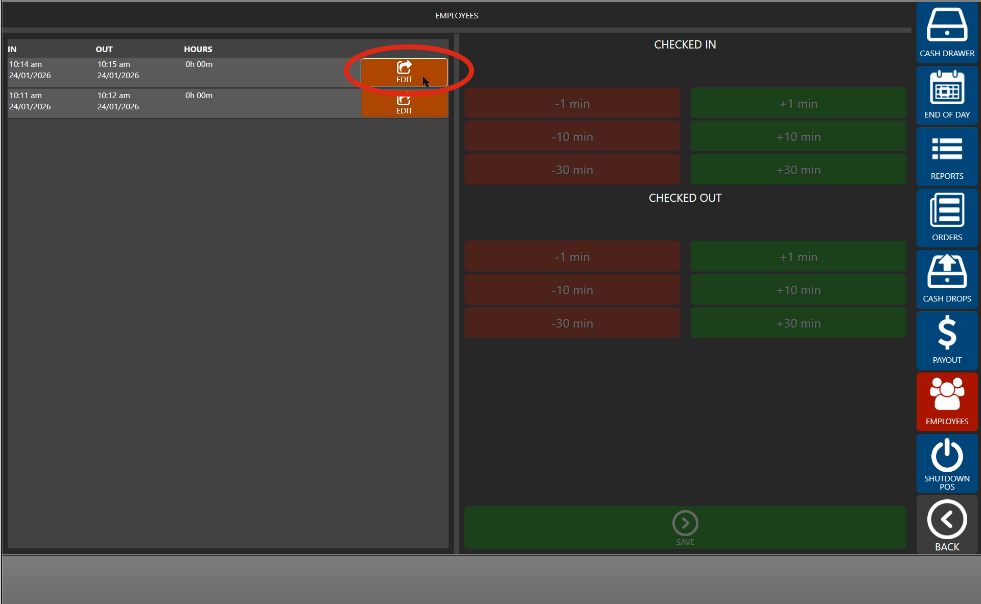
- Click Edit to update and Save once finished
- Go to Reports > Time Sheet Activity to review the changes made
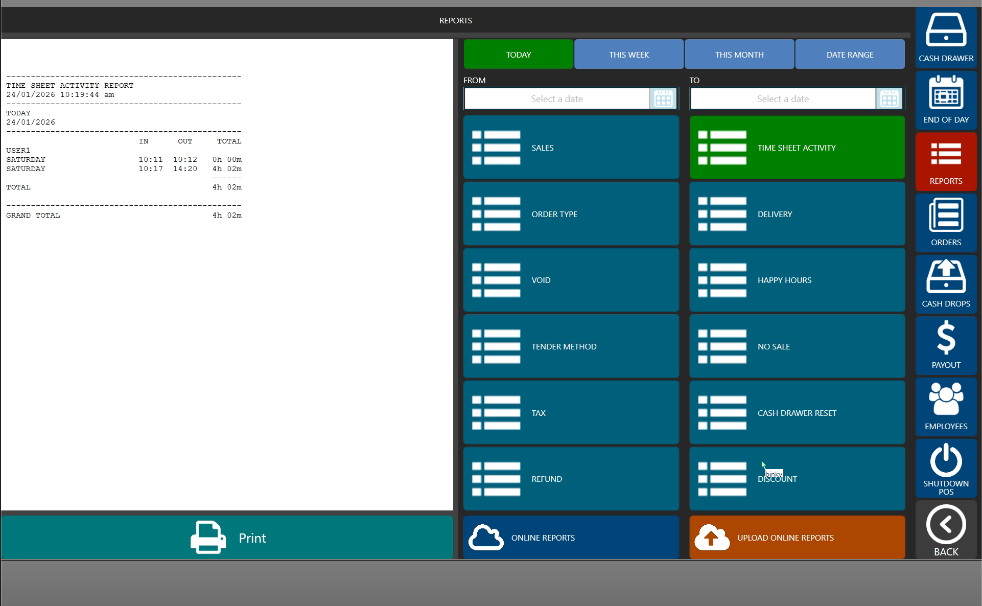
Note: This must be done BEFORE running End of Day process
Still need help?
Ask a question and our team will pick it up. You can also email support@pushpos.com.