
Troubleshooting Guide: Wrong Currency on Checkout
Example: Showing GBP instead of EUROS
Troubleshooting Guide: Wrong Currency on Checkout
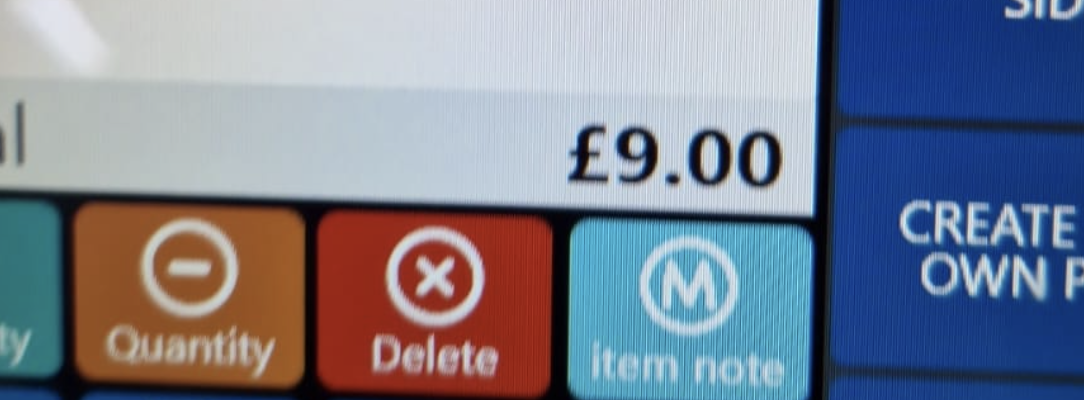
This is based on Windows region settings
Steps:
- Go to Windows Settings.
- Go to Region and Select Correct Region.
Still need help?
Ask a question and our team will pick it up. You can also email support@pushpos.com.